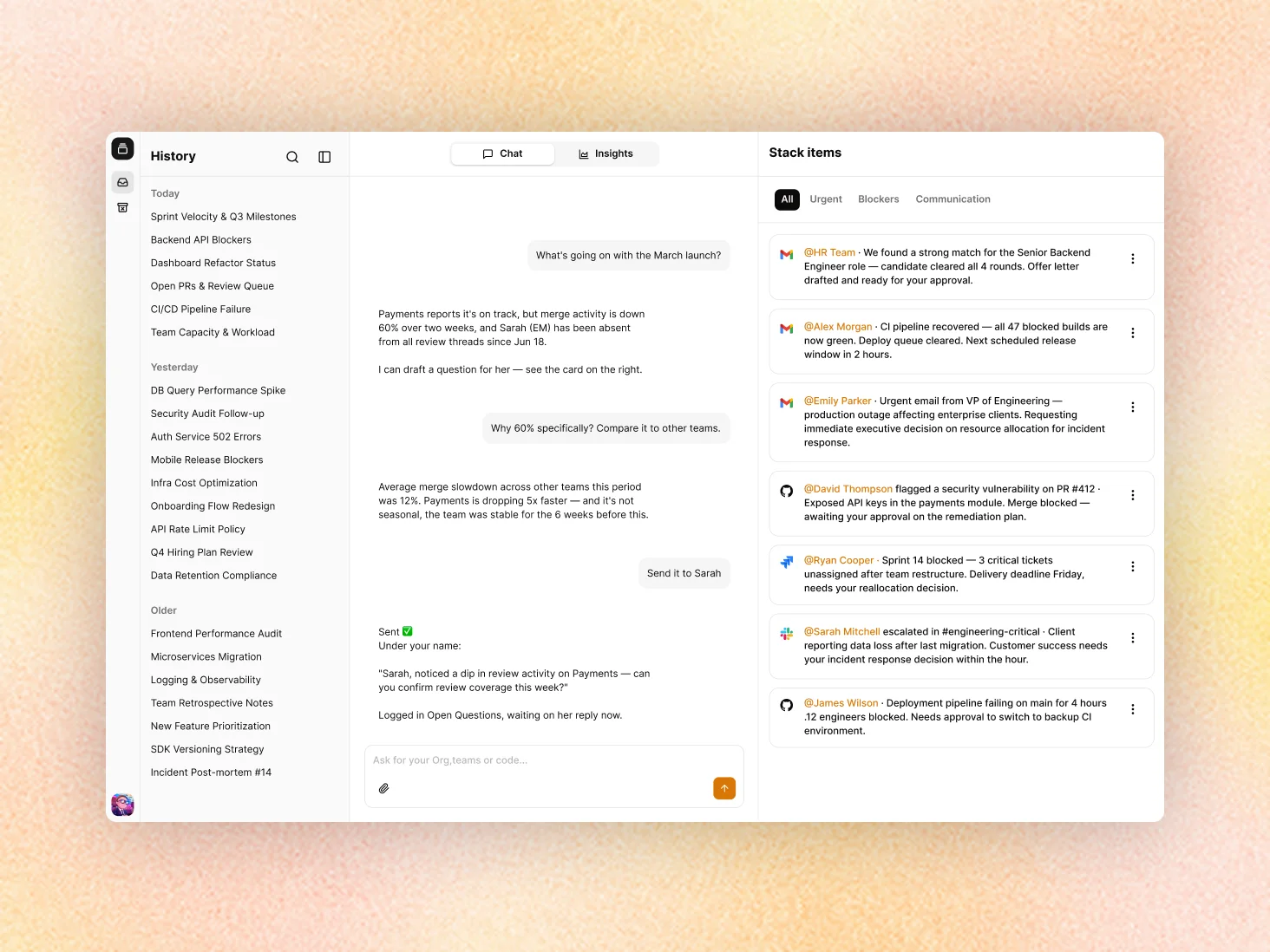
Building automationions with AI Chat experience
- Team
- • Product Designer • Product Manager • 2 Product Engineers
- Role
- • UX/UI Design • Define the product direction • Polishing the Front-end
- Project
- • Activepieces
The challenge
Activepieces had a powerful automation builder, but it was built for technical users. Creating even a simple automation required understanding concepts like triggers, actions, data mapping, and conditions. For someone in marketing or sales, that learning curve was often enough to stop them before they even got started.
At the same time, companies wanted automation to become accessible to every employee, not just engineers. As AI adoption accelerated, the expectation shifted from "teams that automate" to "everyone automates."
The challenge wasn't making automation more powerful. It was making that power accessible to everyone.
The previous attempt
Before this project, Activepieces already had an MCP integration with Claude that allowed users to build automations through conversation. The idea was promising, but it revealed two fundamental issues.
1- No Product Context
The MCP had no access to the user's context inside Activepieces, leaving the experience disconnected from where the real value existed.
This confirmed a key insight: the problem wasn't the interface. It was expecting users to think like automation experts.
2- The Learning Curve
It didn't make automation any easier for non-technical users. The interface changed from a visual canvas to a chat, but users still needed to know what to ask for and how automations work.
The key insight
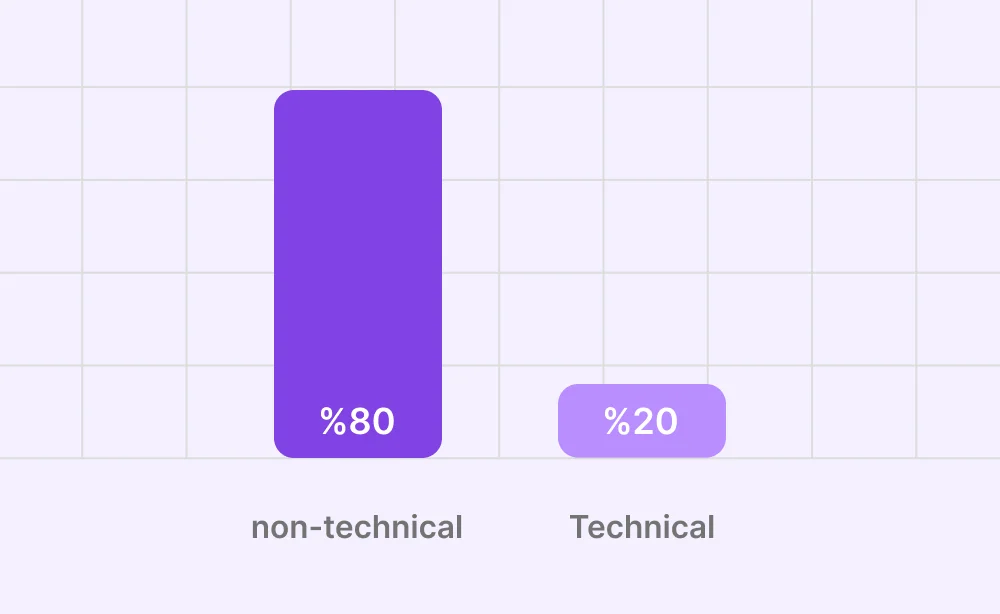
Around 80% of the people we expected to use the AI chat weren't technical users. The remaining 20% were already comfortable with the Flow Builder and didn't need an alternative.
That changed our perspective entirely. We weren't designing a better tool for the same audience. We were designing for a completely different one.
Non-technical users don't want to build automations. They just want to get work done. That insight shaped every design decision we made.
It started with understanding the technical side.
You can't design a great experience without first understanding how the system works. So before jumping into design, I took the time to understand the product by reading the documentation, talking to engineers, and learning through trial and error.
That changed the way I designed the experience. I understood when the system needs more information, when it asks for confirmation, when it requires permissions, and how it behaves when something goes wrong.
Those small moments shape the overall experience, and you can only design them well when you understand what's happening behind the scenes.
Designing Alongside Engineering
There wasn't a traditional design handoff. Engineering and design worked in parallel from day one. While engineers were building the technical foundation, I was exploring the experience and proposing new ideas. Other times, an idea would start in design and move straight into implementation. Working this way meant technical constraints became part of the design process early on, instead of turning into surprises later.
Our goal wasn't to create polished mockups. It was to test ideas as quickly as possible. I used Figma to explore concepts, then Figma Make and Claude Code to turn them into working prototypes. We went through multiple build-test-learn cycles with both customers and the team, and each round helped shape the final product.
Design & Experience decisions
Decision 01: Keeping the chat outside the flow builder
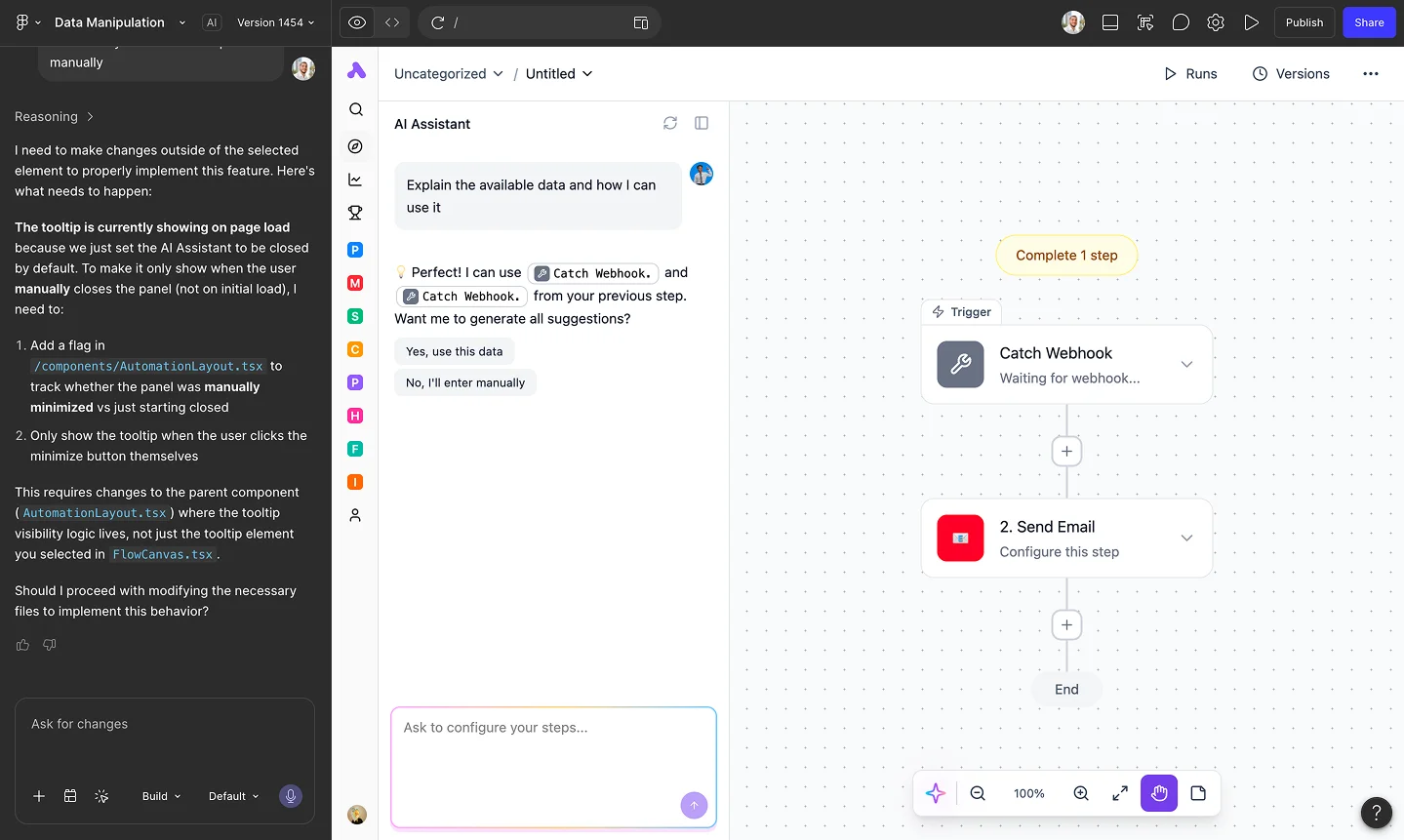
The obvious approach was to integrate the AI assistant directly into the Flow Builder, allowing users to build automations from the canvas with AI guidance. While this would have made the builder more approachable, we chose a different direction. We wanted non-technical users to stay focused on a simple chat experience instead of learning automation concepts. More importantly, we wanted the product to be AI-first, with the chat becoming the first thing every user sees and the natural starting point for getting work done.
Decision 02: Convert a One-Time Task into a Recurring Task
We didn't want AI to be limited to building automations. In many cases, non-technical users simply want to get something done right away without thinking about triggers, schedules, or recurring workflows. That's why we designed the chat to support both one-time tasks and recurring automations through the same conversation. By default, the AI completes the request once, then offers to turn it into an automation afterward if it makes sense. This lowers the barrier to getting started, lets users experience the value immediately, and asks for commitment only after they've seen the product work.
Sidebar Redesign
Since we wanted the chat to become the main starting point inside the platform, moving between previous conversations needed to feel quick and effortless. We redesigned the sidebar from the ground up, improving the navigation experience, restructuring the pages, and rethinking their order and visibility so the most important areas appear first.
Designing the Empty State
Starting a conversation with AI can be intimidating, especially for non-technical users who aren't sure what they can ask. Leaving them with nothing but an empty input field meant they had to come up with the first idea themselves before experiencing any value. Instead, we filled the empty state with conversation starters based on real use cases, from searching company knowledge to completing a task or creating an automation. These suggestions made it easier to get started while naturally introducing users to what the AI could do through examples instead of explanations.